
Captions
Automatic Indonesian subtitles: a practical review checklist
Review Indonesian auto-subtitles for names, numbers, mixed-language speech, timing, and placement before publishing your short video.
ClipperLab Editorial · · 3 min read
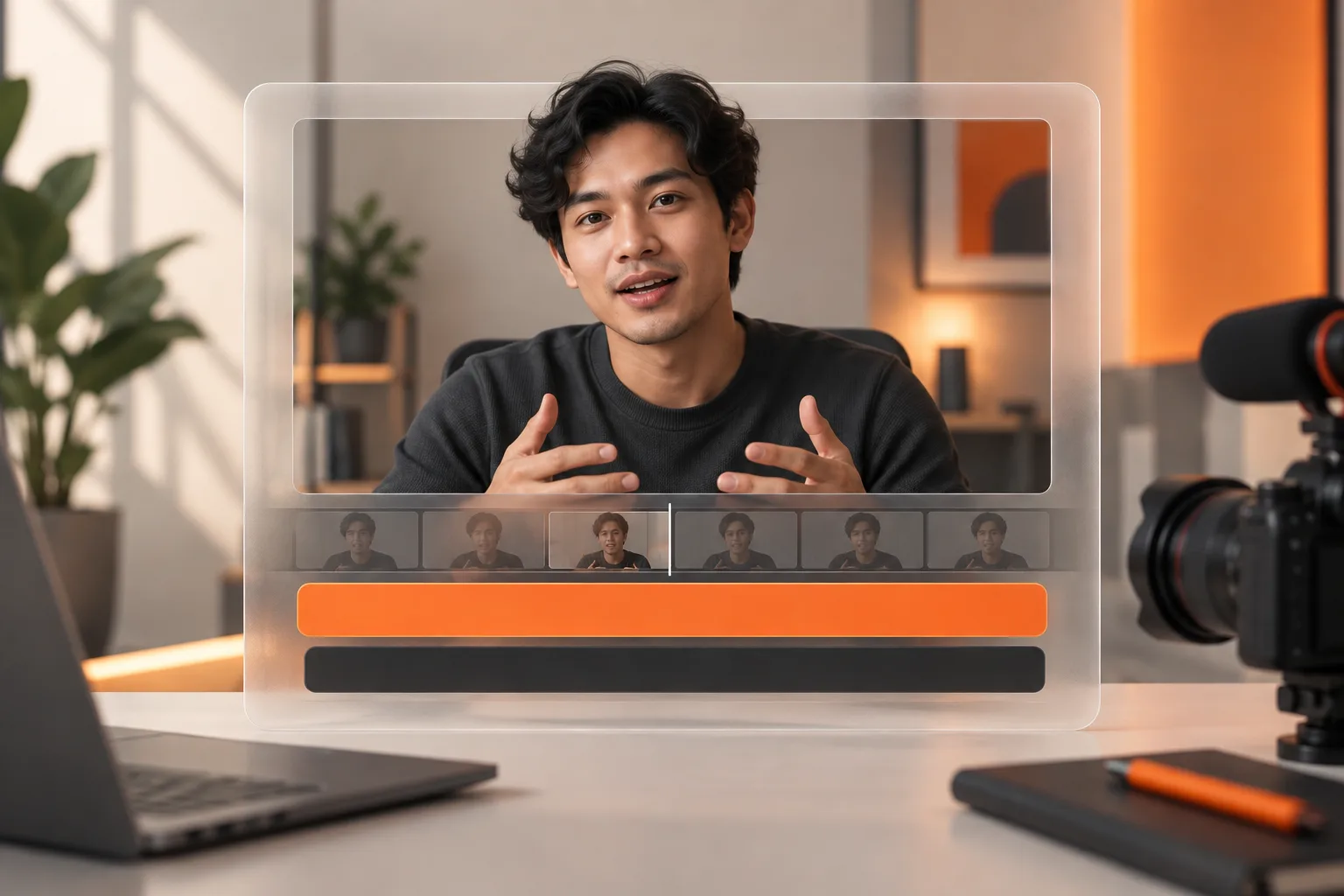
Automatic subtitles reduce transcription work, but the first pass is not necessarily ready to publish. Spoken Indonesian often combines names, abbreviations, regional language, and English terminology. One incorrect word can change the meaning of an otherwise clear clip.
Review accuracy before styling. A polished font does not fix a wrong sales figure or a misspelled guest name. A small repeatable checklist is more useful than changing the caption effect for every video.
Check high-risk words first
Listen to the audio while reading the text. Prioritise people and brand names, amounts of money, dates, measurements, and negatives such as “nggak” or “belum”. An error in these words can matter more than imperfect punctuation.
For example, “belum balik modal” means the investment has not yet been recovered. Replacing it with “sudah balik modal” reverses the statement. If the audio is unclear, review the longer source passage rather than choosing the more dramatic interpretation.
Prepare a small spelling list for technical terms. If a product name appears throughout an episode, use the same spelling across all clips. A shared list also makes client revisions easier to manage.
Separate subtitles from the post caption
Subtitles follow speech within the video. A post caption is the accompanying description on the publishing platform. Their styles can differ, but they should not contradict each other.
Do not turn subtitles into a stream of hashtags or sales messages. Let them help the viewer follow the conversation. Put supporting information and source links in the post description where the platform permits it.
In ClipperLab, review the subtitle result on the clip you select. If a correction is not available through the controls in your account, finish it in an editor that supports the change before publishing. Automation does not remove the need for a final check.
Review line breaks and timing
Keep meaningful word groups together. Splitting an Indonesian phrase in the wrong place can slow down reading even if the transcription is accurate. Avoid leaving a long sentence on screen while the speaker races through it.
Check the start of speech, transitions between sentences, and the end of the clip. Late subtitles feel disconnected from the audio. Text left over from the previous idea can be confusing when the speaker changes topics.
There is no universal font size for every recording. Test the export at normal viewing size on a phone. If you need to lean closer to read, reduce the amount of text displayed at once and review its size.
Use a short export checklist
- Watch silently: can you follow the explanation?
- Watch with sound: do text and speech agree?
- Check that captions leave faces and demonstrations visible.
- Play the exported file, not only the editor preview.
YouTube's automatic caption guidance likewise recommends reviewing automated text because speech recognition quality varies. The review principle applies whichever tool you use.
Start with one restrained subtitle style. Consistent spelling and legibility matter more than animating every word. For a crowded composition, work through the landscape-to-vertical guide before adding more caption effects.