YouTube Shorts
How to turn YouTube videos into complete, useful Shorts
Turn a long YouTube recording into Shorts by choosing one idea, preserving context, checking the vertical crop, and reviewing captions before posting.
ClipperLab Editorial · · 3 min read

Turning a YouTube video into Shorts starts with finding an idea that stands alone. A shorter runtime is not enough. Someone discovering the Short may never have seen your channel, so the excerpt needs to supply its own context.
For your first attempt, choose a video you own that answers a clear question. The loudest moment is not necessarily the best candidate. A useful, self-contained explanation can be easier to edit than an exciting exchange that depends on ten minutes of earlier conversation.
Find a complete answer
Read the transcript or watch the recording for a problem, an explanation, and a result. In an audio tutorial, for example, the section explaining why a distant microphone captures more room sound has a specific benefit for the viewer.
If the first line is “as I said earlier”, move the start point or choose another sentence. Do not write an opening promise that the excerpt cannot deliver. The title and the video should answer the same question.
Review candidates instead of accepting every cut
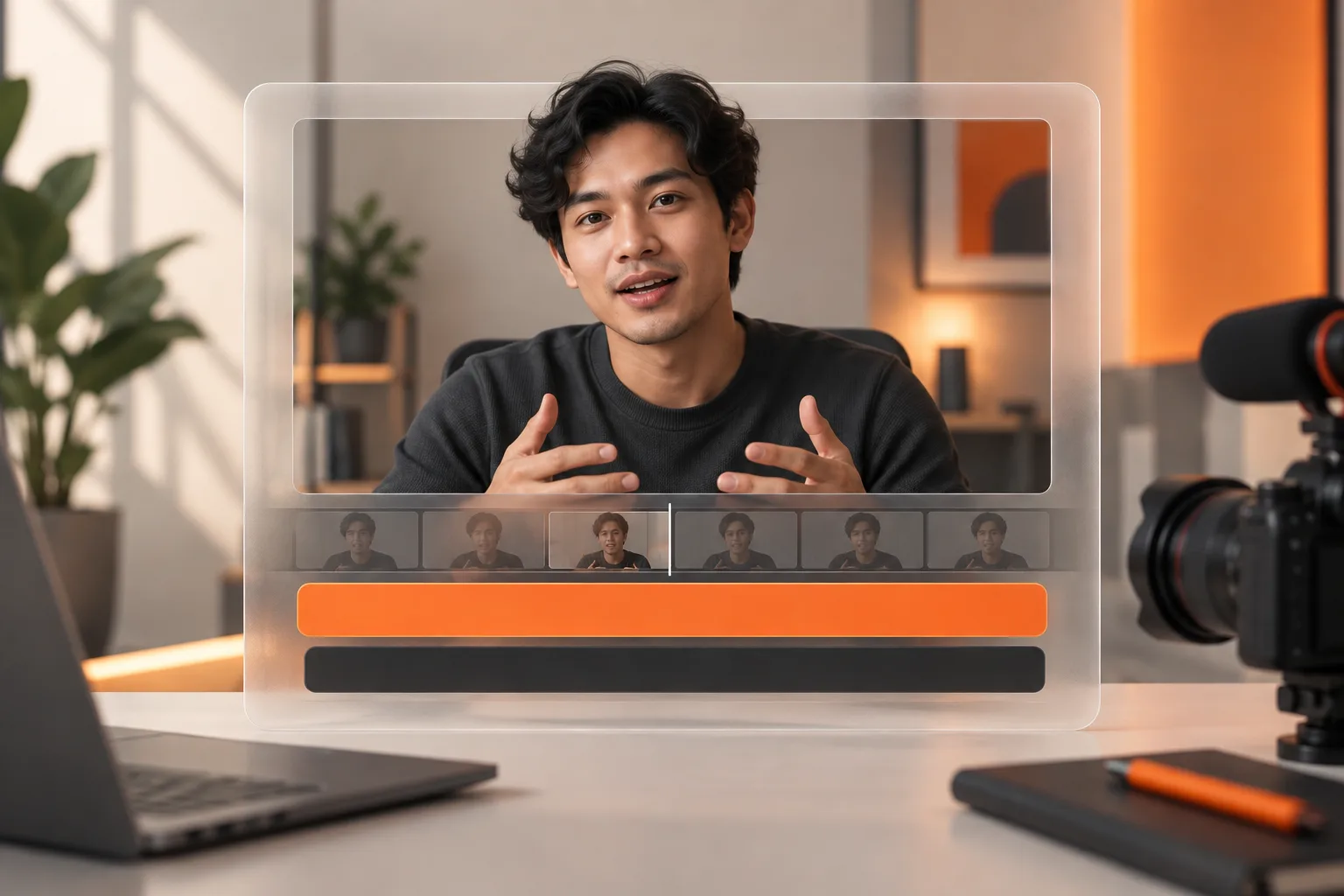
In ClipperLab, add a supported YouTube source through a new project and review the resulting candidates. Treat AI selection as a shortlist. Your final review matters when a speaker is joking, quoting another person, or discussing an exception.
A practical review order is:
- Listen to the opening without referring to the full recording.
- Check that the explanation finishes before the cut ends.
- Remove repetition that contributes no new information.
- Inspect the speaker or important object in the vertical version.
- Correct names, numbers, and specialist terms in captions.
You do not need to publish every candidate. Two clips with distinct purposes are more useful than several cuts repeating the same answer. Keep unused options in your notes instead of treating the export count as the goal.
Let the idea determine the length
YouTube supports Shorts up to three minutes under its current format requirements. Review the official Shorts guidance for eligibility and restrictions.
The maximum length is not a recommended target. If the answer is brief, avoid adding a long introduction. If an example is necessary to understand it, do not remove that example only to hit an arbitrary runtime. Watch the complete export without skipping.
A landscape source also needs a vertical framing review. A crop that keeps a face visible may still hide the object the person is demonstrating. Look at the actual information in the frame, not just the dimensions.
Learn from the published version
Give the Short a title that names the problem or outcome it covers. If it introduces a longer explanation, point interested viewers toward the relevant full video rather than an unrelated page.
Once you have data, compare clips covering similar subjects. Note where the opening feels slow and whether viewers stay through the explanation. One unusually quiet or successful upload is not enough to establish a reliable pattern.
Before increasing output, fix recurring problems: missing context, crowded captions, or cut-off endings. If captions are the main obstacle, work through the Indonesian subtitle review guide.