Getting started
How to start video clipping on your phone
Learn a practical phone-based clipping workflow: choose a source, review the brief, check captions, and build a small portfolio before buying gear.
ClipperLab Editorial · · 3 min read

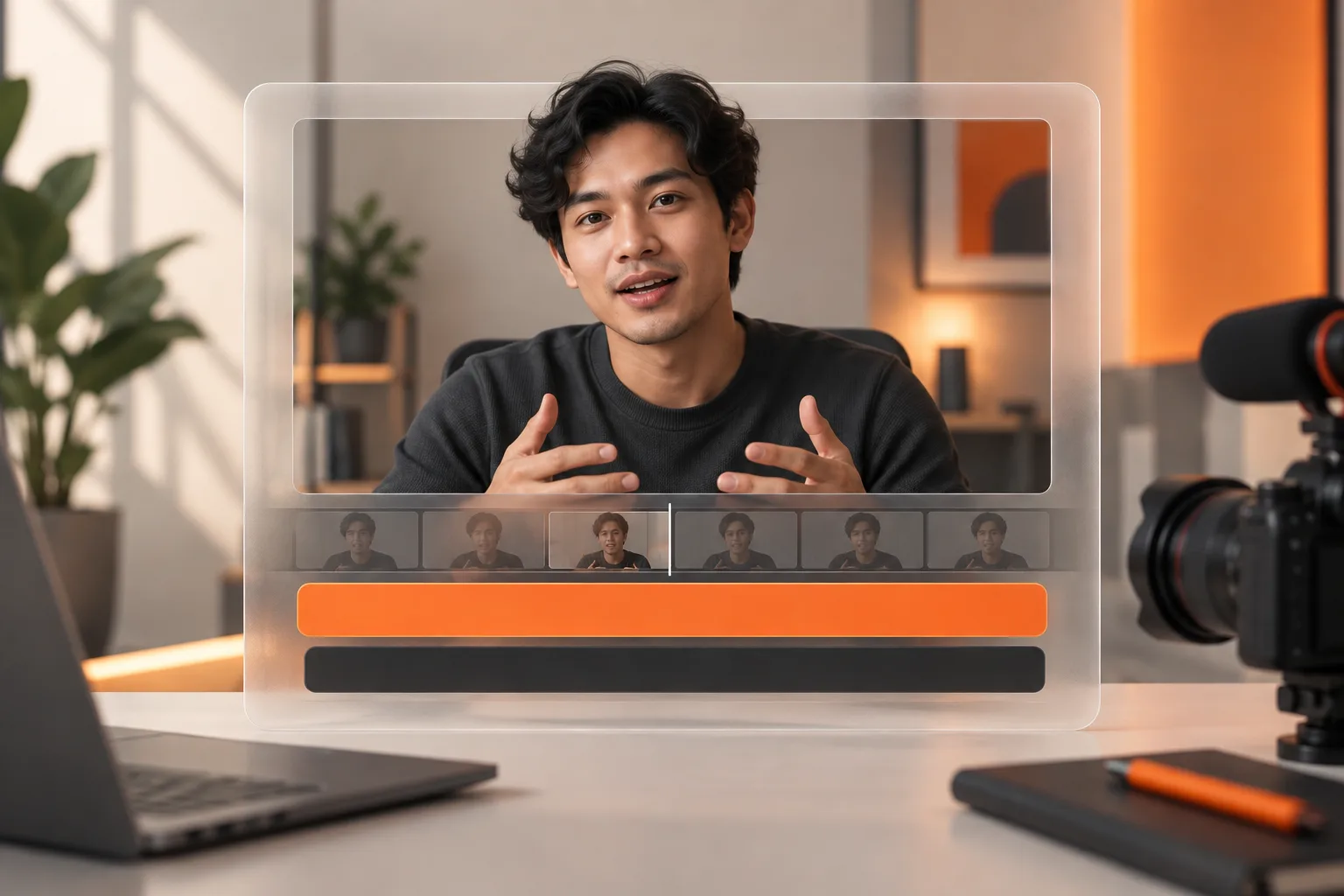
You can learn video clipping on a phone. The first skill is choosing a passage that makes sense without the full recording, not adding elaborate transitions. Start with a video you own or have permission to edit, and aim to finish one useful clip.
A mobile browser is a reasonable place to test the workflow. A larger screen may be more comfortable for reviewing many revisions, but you do not need to buy equipment before finding your actual bottleneck.
Choose a source and a purpose
Use a recording with clear speech and a subject you understand. A focused ten-minute conversation is easier to practise on than a multi-hour stream with several speakers. Write down who the clip is for and what they should understand by the end.
For campaign work, read the brief first. Check which source material is approved, where the clip should be posted, the deadline, the submission process, and the acceptance criteria. A campaign platform manages assignments and payment. An editing tool processes footage. Using one does not automatically enrol you in the other.
Make your first clip in the browser
- Open ClipperLab and sign in from your phone's browser.
- Add a supported video source on the project page. Keep your connection stable during file uploads.
- Review the suggested clips after processing. Listen to the surrounding passage, not just the selected excerpt.
- Keep a clear beginning, explanation, and ending. Do not cut away before the answer arrives.
- Check captions, framing, and sound at normal phone size.
- Download the result and play the exported file before publishing it.
For a useful exercise, find a speaker answering one specific question, such as why their first launch failed. Begin where the problem becomes clear and stop after one complete explanation. Three unrelated lessons rarely make a better short than one well-supported point.
Run a three-part quality check
Context: can a new viewer tell what the speaker means? An opening like “that is why it failed” often needs an earlier sentence. You can keep the necessary sentence or choose a different entry point.
Readability: do captions cover the speaker's mouth or sit beneath platform controls? Review the video without zooming in. Your viewer will not pause to decode a crowded screen.
Accuracy: are names, numbers, and negatives correct? A missing “not” can reverse the claim. Automated transcription still needs editorial review.
Use filenames that identify the topic and revision. A simple naming convention prevents an outdated export from reaching the client when several files look alike.
Build a portfolio around decisions
Prepare three examples: an explanation, a story, and a concise answer. Add a sentence describing why you selected each moment. That shows prospective clients how you think, rather than only which effects you can apply.
Avoid promising a particular view count or income. Source quality, assignment terms, and distribution differ. Agree on scope, revisions, and payment before starting client work. Once your first workflow feels manageable, practise writing stronger clip openings.